You Are Viewing Posts Under Category: WordPress Tips

How To Redirect Blogger Feeds To WordPress Feeds After Migration?
| October 15th, 2014 | 0 Comments | WordPress / WordPress TipsAfter Migrating from Blogger to WordPress, your thinking is wrong that you migrated all of your blog. You only migrated posts/comments but not the visitors. To get all visitors on your new WordPress blog you have to work hard more as you think....
Redirect Blogger Archives To WordPress Archives After Migration
| October 14th, 2014 | 0 Comments | WordPress / WordPress TipsMigrating from Blogger to WordPress is not so easy as you think, you have to do many changes that you even dont know before about Blogger too and you will experience them when your visitors will start getting 404 errors in your WordPress blog.You have to fix it to make all links perfect....
How To Add Perfect Custom Robots.txt In WordPress For Better SEO?
| October 13th, 2014 | 0 Comments | WordPress / WordPress TipsRobots.txt file is so much important to control what you want to share and what not on SE. So its very important to right the correct codes in to your robots.txt file or else you can down your blog SEO. So here we have a basic codes for newbies that will control his bold security […]...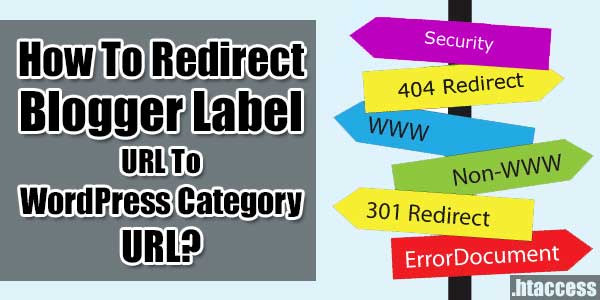
How To Redirect Blogger Label URL To WordPress Category URL?
| October 12th, 2014 | 0 Comments | WordPress / WordPress TipsAfter coming from Blogger to WordPress, there are many changes you will experience and one of them will be link that your visitors will start getting 404 errors as WordPress links are totally different.You hva eto do the fix to make all links perfect....
Ditch Blogging And Get Vlogging! Ten Tips For Starting A Video Blog
| September 11th, 2014 | 0 Comments | Blogspot / Blogspot Tips / WordPress / WordPress TipsConsumers are online, reading and sharing content. Initially, marketers used text-based blogs to inform and intrigue the masses, but the digital age ushered more resources and associated tools, like video platform YouTube, which turned some amateurs to stars overnight. Ditch blogging and begin cas...
How To Add “Featured Image” Widget In WordPress Post Editor Sidebar?
| September 7th, 2014 | 0 Comments | WordPress / WordPress TipsIf you ever used any premium WordPress theme then you have got this widget in your post editor sidebar as then have already added it into there theme. But if you are designing your own WordPress theme from scratch then you will not get this widget in your WordPress post editor sidebar....