







Maestro cards are no longer accepted at UK online casinos, but learn the real reasons, discover the best alternative payment methods, and see top-rated casinos for debit cards in 2026. see the full list of UK casinos that accept debit cards in 2026
You Are Viewing Posts Under Category: WordPress

Add Featured Image In RSS Feed Of WordPress Without Plugin
| April 26th, 2015 | 2 Comments | WordPress / WordPress TipsPhotographs are playing a larger part involving blogging, with subjects that high light the posts’ showcased images more popular, creating fantastic visually appealing layouts. More so while using the popularity involving Pinterest along with Facebook discussing, which uses an image from the actua...
How To Display Random Posts In WordPress Without A Plugin?
| April 13th, 2015 | 2 Comments | WordPress / WordPress SnippetsBecause of the natural structure regarding blogs, articles turn out to be buried down if they get old. Most new users join and pick up as soon as they join, and they also never bother returning to college to one of your respective good posts. One of many easiest way to provide a new life […]...
How To Get WordPress Plugin’s Path And URL For Plugin Writing?
| April 11th, 2015 | 0 Comments | WordPress / WordPress SnippetsWriting a WordPress plugin is soo easy that everyone can write it but when it comes to use the correct code on correct place then its time for professionals coders but don’t worry you can also. Like writing a plugin, you have to link your plugin with added resources but whats the way to liked ...
How To Get And Display Your Facebook Page Fans Counts In WordPress?
| April 10th, 2015 | 0 Comments | WordPress / WordPress SnippetsAdding a Facebook Like Button on your website or blog is perhaps one of the easiest and most effective way to get more fans and earn more likes. If you have hundreds, thousand or perhaps tens of thousand of fans, it might be a good idea to publish a fan count. Fan count displays in […]...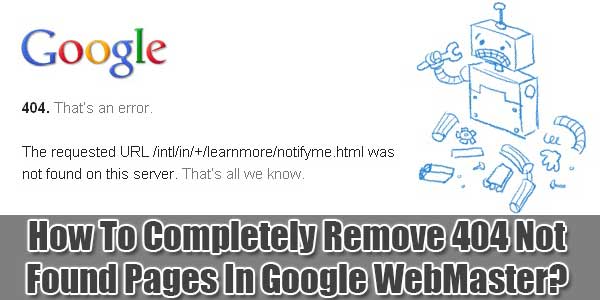
How To Completely Remove 404 Not Found Pages In Google WebMaster?
| April 3rd, 2015 | 26 Comments | Blogspot / Blogspot SEO and SMO Tips and Tricks / Website / Website SEO and SMO Tips and Tricks / WordPress / WordPress SEO and SMO Tips and TricksThe 404 or Not Found error message is an HTTP standard response code indicating that the client was able to communicate with a given server, but the server could not find what was requested.The web site hosting server will typically generate a “404 Not Found” web page when a user attempt...
How To Create A WordPress Categories XML Sitemap Without Plugin?
| April 1st, 2015 | 0 Comments | WordPress / WordPress TipsSitemap are extremely important for SEO of one’s Blog or Web page. Sitemap mentioned the SE make use of the mentioned URLs in there results. In short sitemap is the first task toward SEO. Now a days web-masters first generate sitemap instead of writing some content. So now it’s also wise...